
For your website
A hole-by-hole tourof your golf course
Your course from the air: on the website you already have, as a full-screen course page, as a map golfers click through, and on their phones.
See if your course qualifies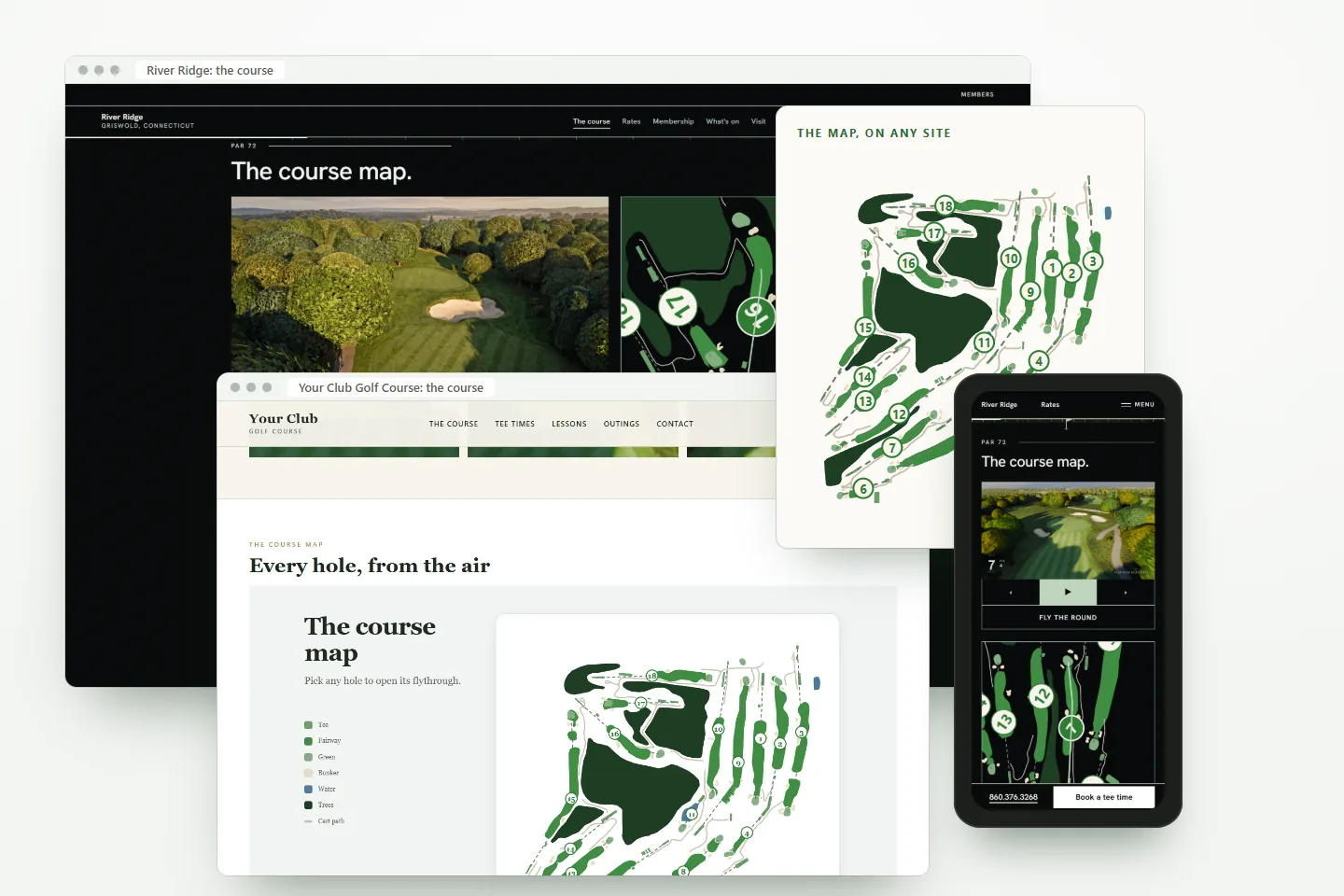
Before and after
Your course page,with the whole course on it.
Most course pages show a photo or two and a scorecard. With the tour, the same page shows the course. Your web person adds it with one copy and paste.


This is what we puton your website.
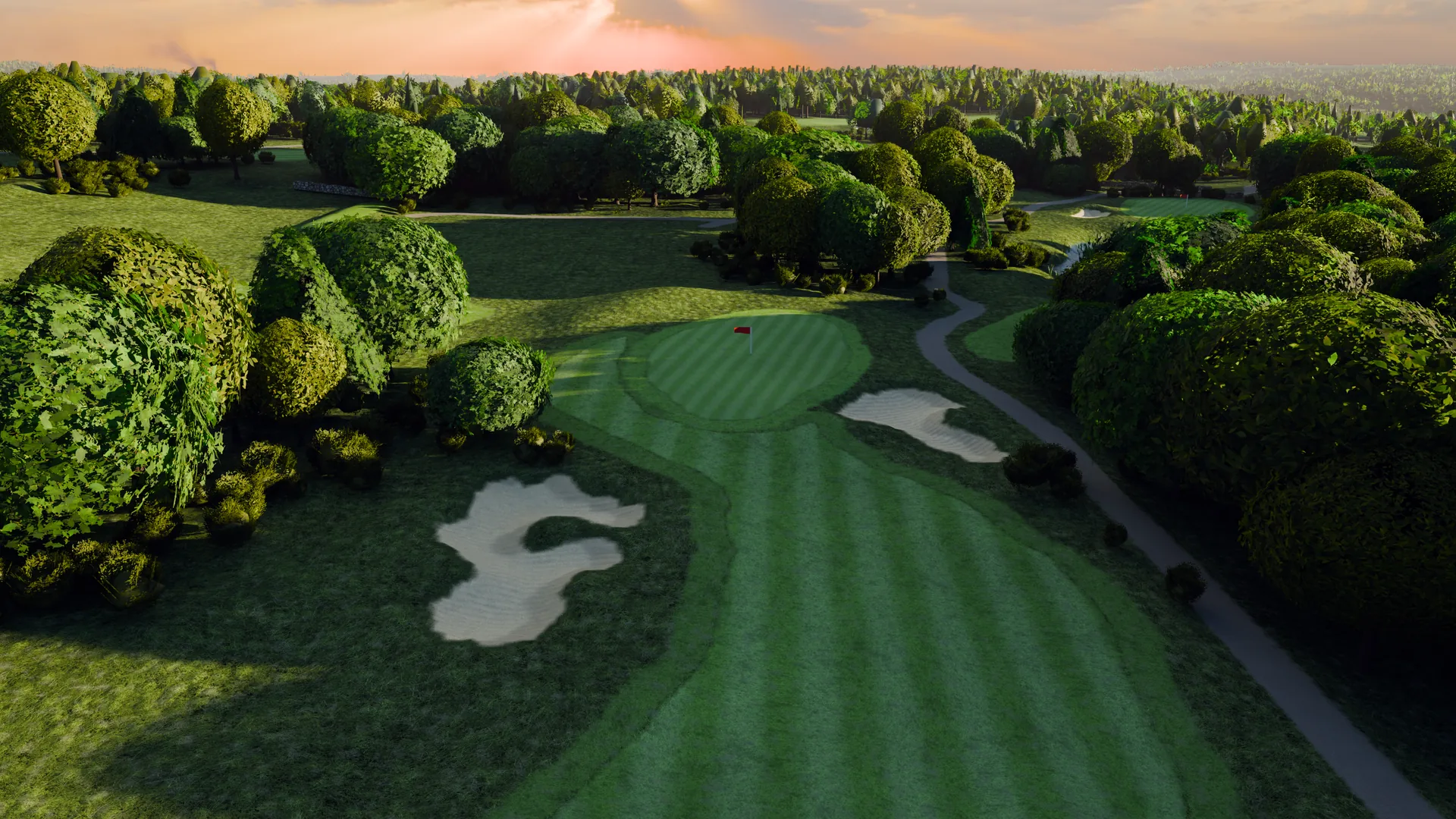
River Ridge's tour, running here just as it would on your site.
On a website we build
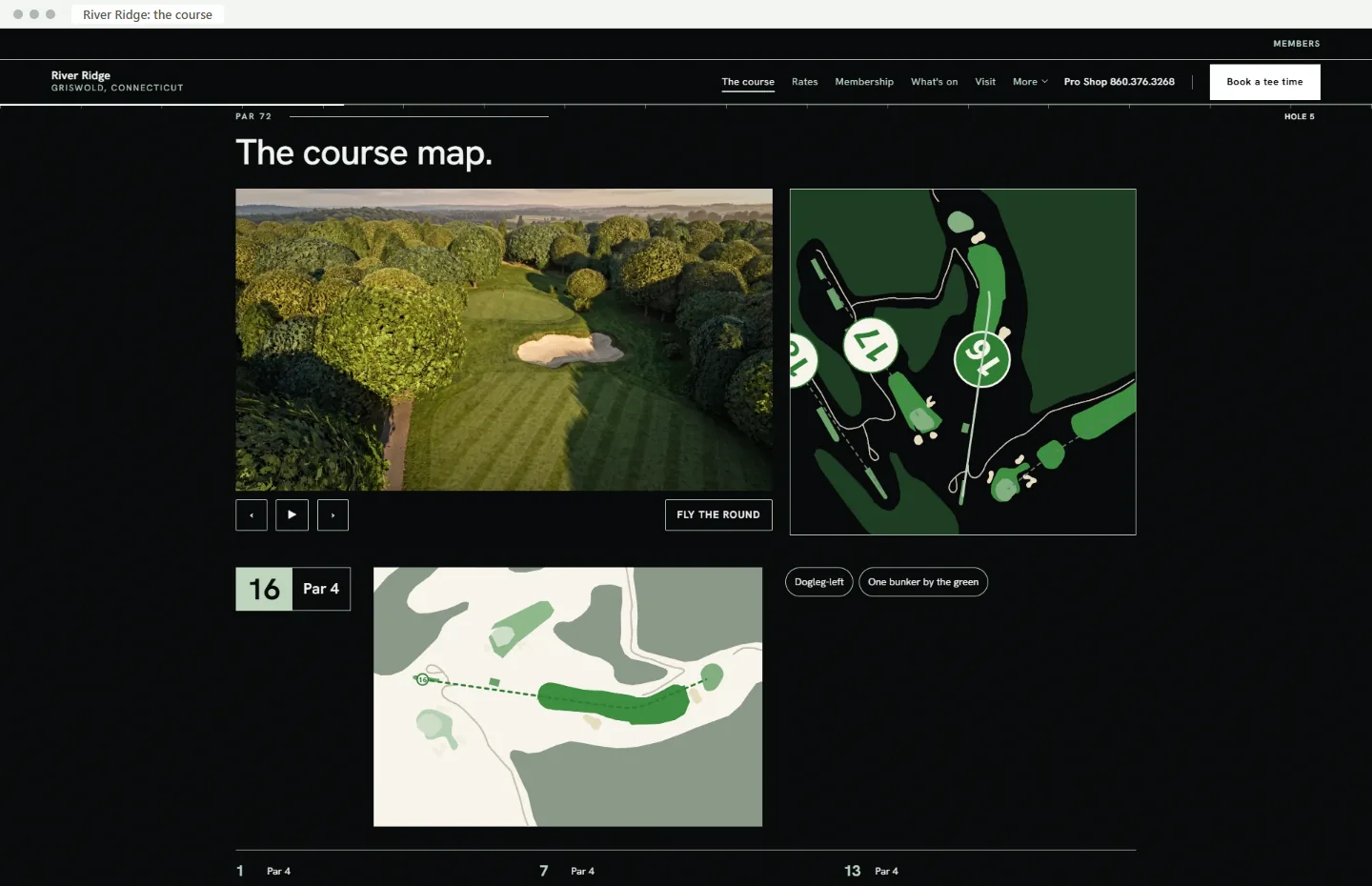
Your course page,built around the tour.
Golfers open it on your course map and pick a hole. The map flies there, the hole's film plays and its par sits beside it. From there they step to the next hole or fly the whole round.
The difference
A drone shoot,
or the tour.
| What it takes | A drone shoot | The tour |
|---|---|---|
| Who comes to your course | A pilot and a crew | Nobody |
| Holes closed | While it flies | None |
| The weather | It waits for a clear day | Not a factor |
| The light | That day's light | The same evening light on every hole |
| What you get | One video | Every hole, a course map and a page for each hole |
| When the course changes | Book another shoot | We update the tour |
| Where it lives | A file you post | On your website, kept up |
Already have a drone video?
Keep it.The two work together.
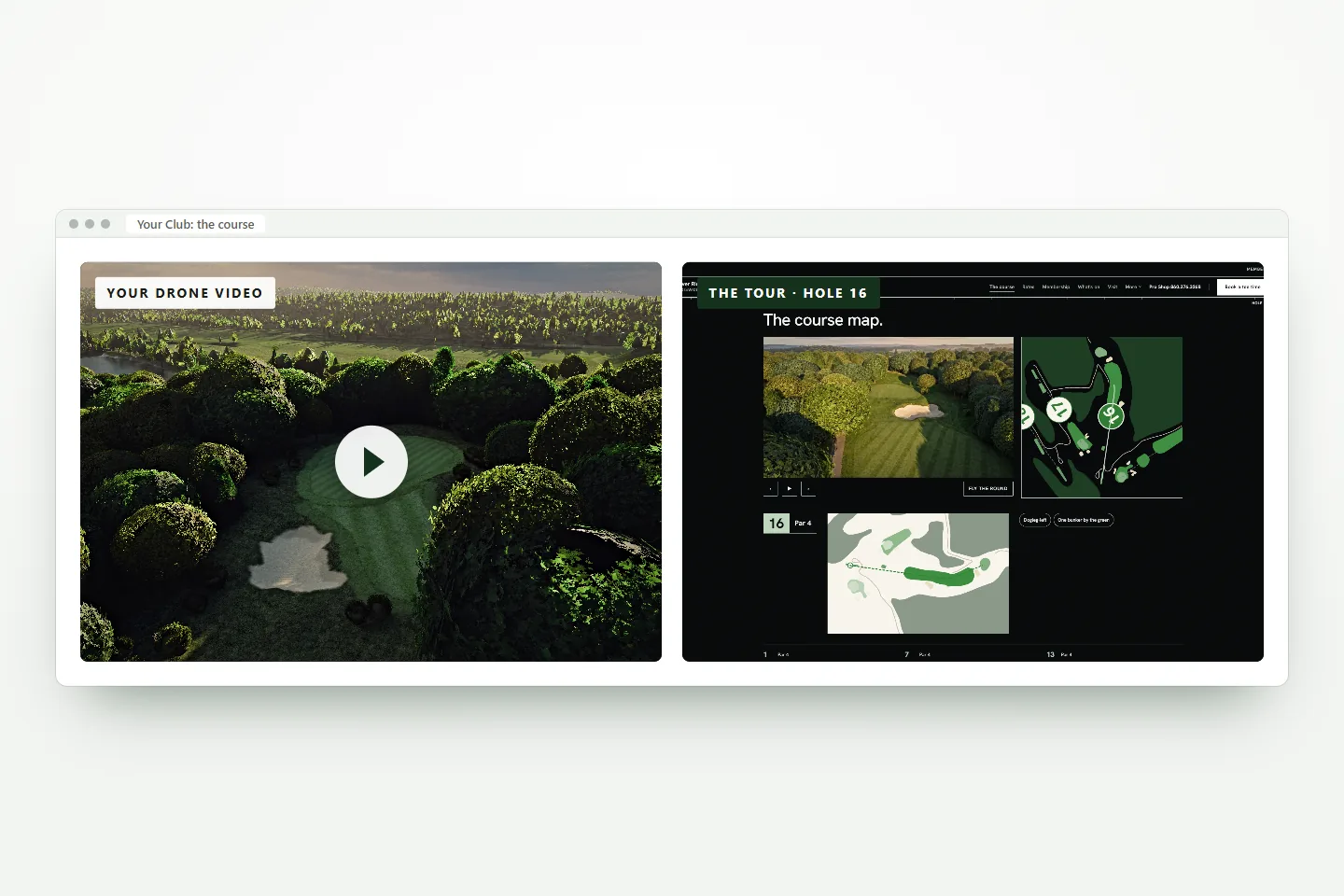
Your drone video shows the course on the day it flew. The tour shows each hole the way a golfer plays it. One course page carries both.
Five thingscome with the tour.
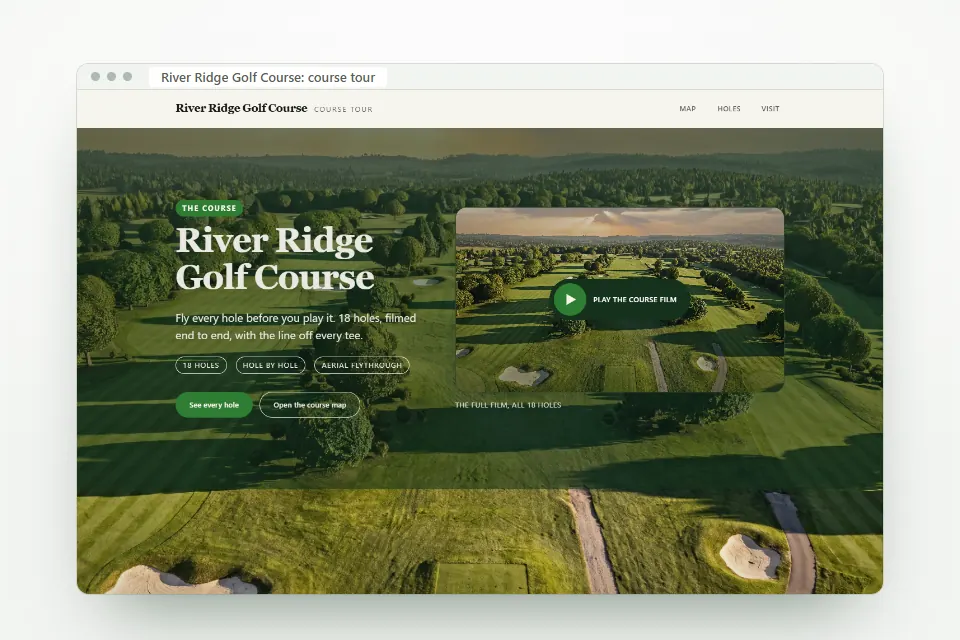
The tour
Its own web page, ready to share.
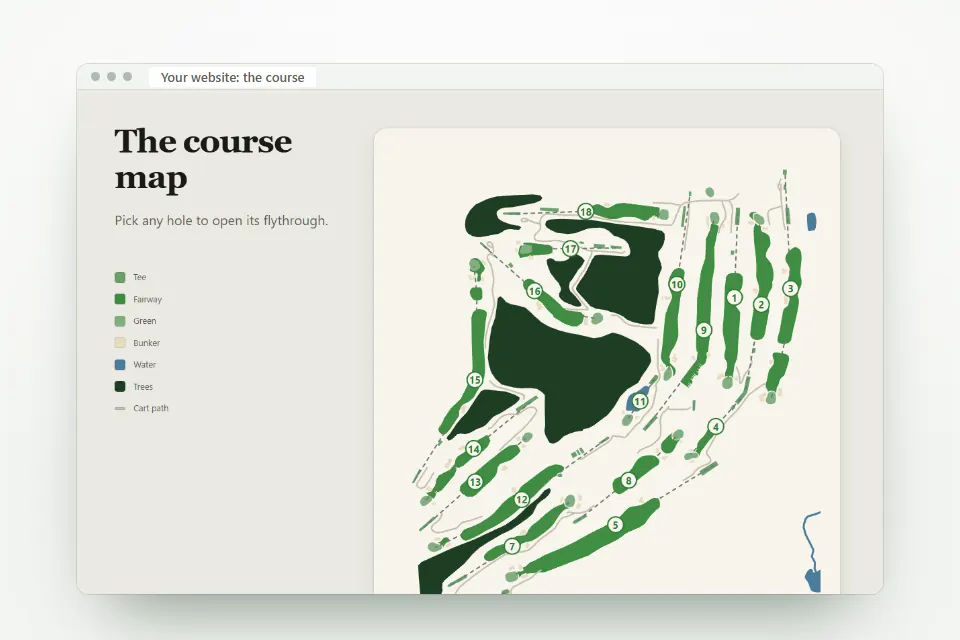
The map
On the website you already have.

Every hole
Its own link to send a golfer.
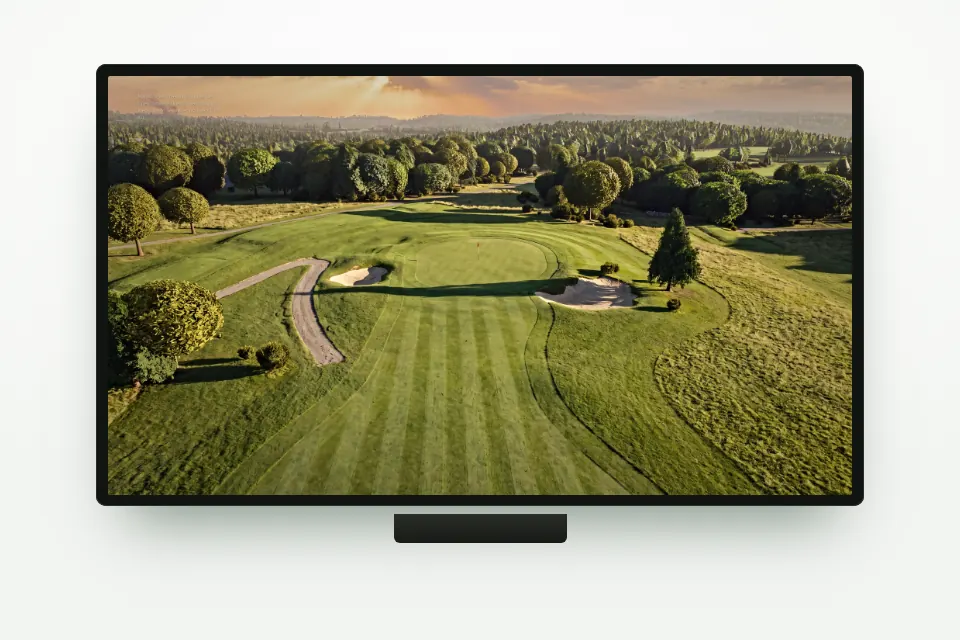
The pro shop screen
A version for the TV in the shop.
Hosting
We keep it running for as long as you hold the licence.
Pars and yardages are your scorecard's. Nothing goes live until you have approved every hole.
FAQs
What to knowbefore you start.
Is our clubhouse in it?
No, and neither is any other building. The tour shows the golf course: the ground, the trees, the water and the turf.
What happens when the course changes?
When your scorecard changes, we change the tour. The terms for year two and beyond are the first thing we go through on the call.
How do I add it to my website?
The guide shows your web person how, and how to check it on a phone.
Next step
We check your course before the call.
A twenty-minute call that opens with what we found on your course. Not every course qualifies.
See if your course qualifies